Something went wrong...
Yu-Gi-Oh! Duel Links Meta
Tier List Top Decks: Speed Top Decks: Rush Farming & Events Leaks & Updates
Yu-Gi-Oh! Duel Links Meta
Login

Branded

Top 4 in Starry Cup#92 from
π’΄π“Šπ“ˆπ’Άπ“€π“Š β„±π“Šπ’Ώπ’Ύπ“€π’Ύ
on January 3rd, 2026
Gems 66k
Skill Theater of the Branded's Opening
30 cards
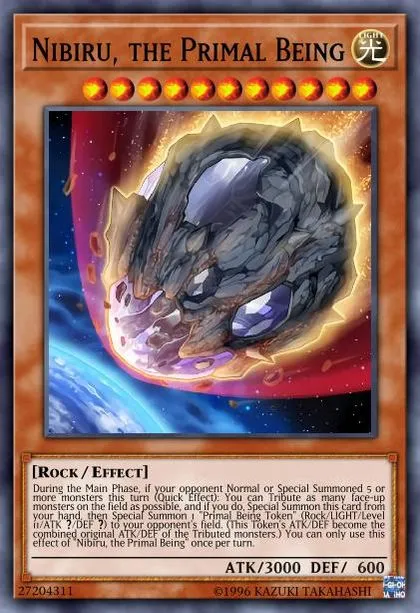
Nibiru, the Primal Being
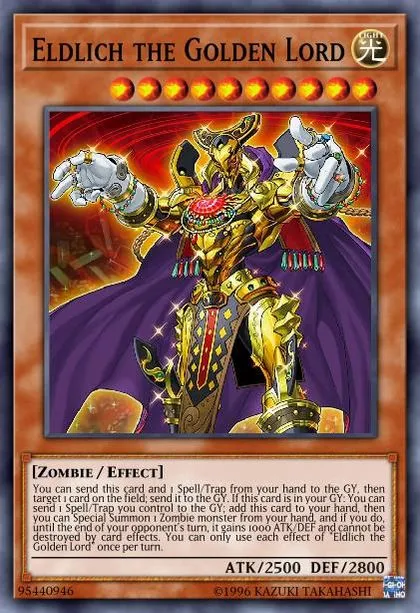
Eldlich the Golden Lord
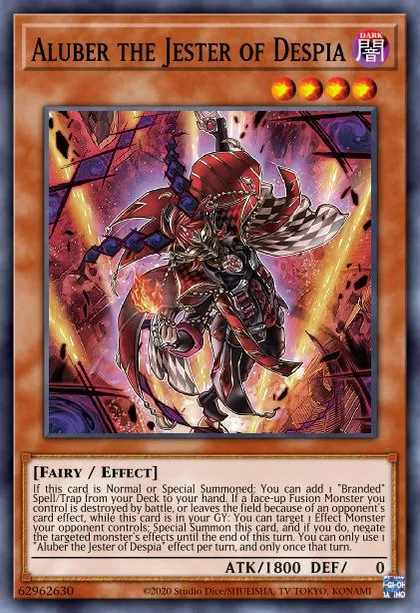
Aluber the Jester of Despia
Dramaturge of Despia
Fallen of Albaz
Fallen of Albaz
Darklord Morningstar
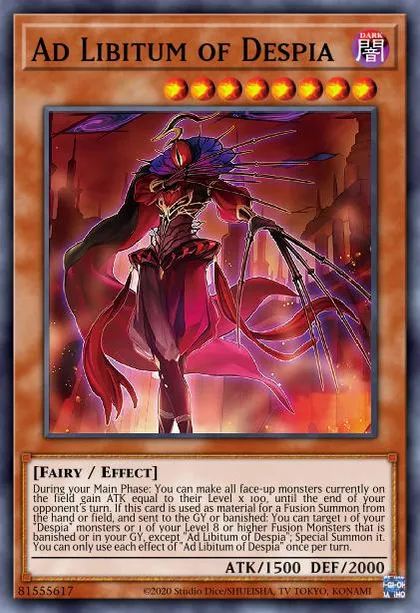
Ad Libitum of Despia
Despian Comedy
Despian Tragedy
Despian Tragedy
Despian Tragedy
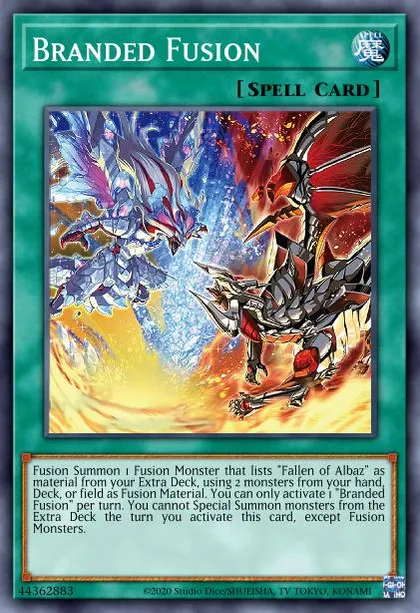
Branded Fusion
Branded Fusion
Branded Fusion
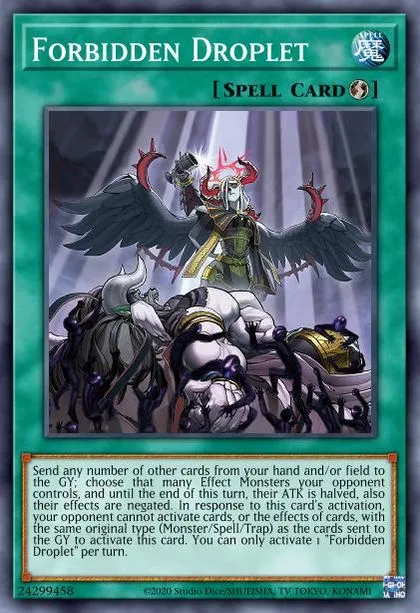
Forbidden Droplet
Forbidden Droplet
Forbidden Droplet
Allure of Darkness
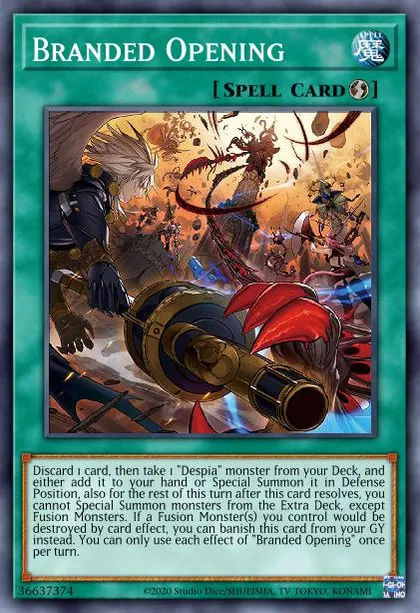
Branded Opening
Branded Opening
Branded Opening
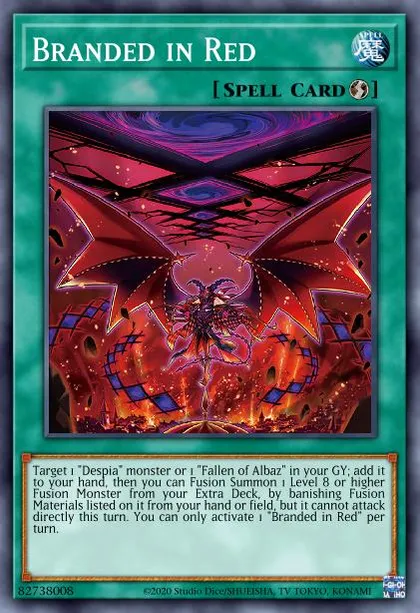
Branded in Red
Branded in Red
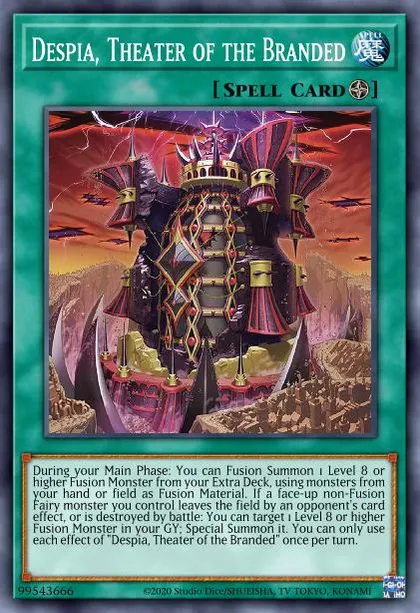
Despia, Theater of the Branded
Mirrorjade the Iceblade Dragon
Masquerade the Blazing Dragon
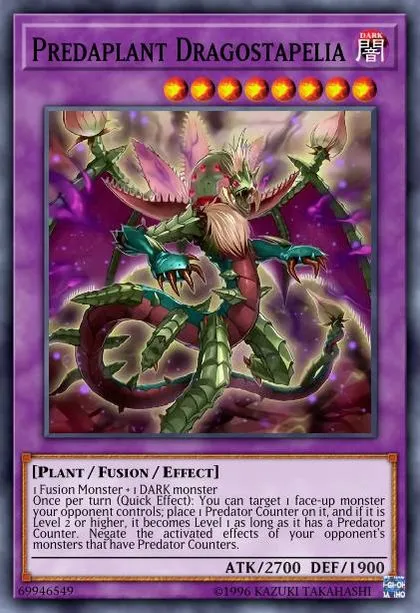
Predaplant Dragostapelia
The First Darklord
Lubellion the Searing Dragon
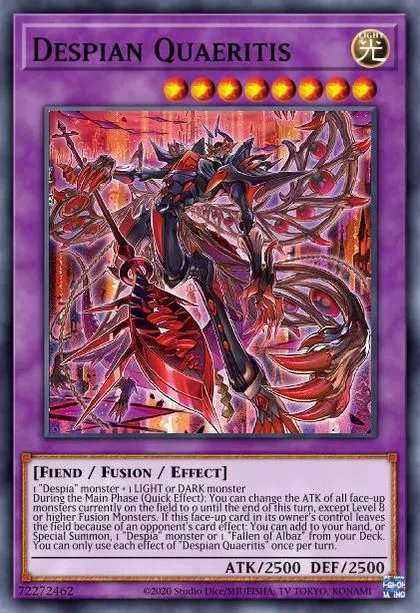
Despian Quaeritis
Albion the Branded Dragon
Download

Prerequisites

  • A registered Konami ID linked to your master duel game
  • Must login to Yu-Gi-Oh! Cards DB using the same Konami ID
  • If the Yu-Gi-Oh! DB website asks to login with Game Card ID just click "I don't have a game card ID" and fill some basic information to proceed

Export Guide

- Via the MDM extension (Recommended): Download on Firefox, or Chromium Browsers
For Chromium browsers (Chrome/Edge/Opera/Brave...etc) just click "Add to chrome" on the store page and it'll work on most if not all chromium browsers.
After using the extension, go to the Master Duel game => Main menu => Deck option => The Card database option at the top right corner => locate the deck you exported and copy it

Don't show this again
- Manually
  1. Click here to copy the export code
  2. Go to Yu-Gi-Oh! Cards DB and click My Deck => Add a Deck
  3. Once the deck page loads click Edit then do one of the following based on the platform your device is running:
    • (PC Only): Press F12 to open the DevTools window => Navigate to the Console tab in the window => Paste the export code => Hit Enter
    • OR (Other platforms/PC): In the address bar of the current tab remove the URL and type "javascript:" without the quotations then paste the export code, then if you're on mobile look for the *globe* icon and tap on it to run the code (Chrome only), for PC users just hit enter.
  4. The deck will save automatically
  5. Go to the Master Duel game => Main menu => Deck option => The Card database option at the top right corner => locate the deck you exported and copy it

Click here for a more detailed guide


Β© 2018-2026 Duel Links Meta LLC Terms of Service Contact Server Status
  • Cards
  • Skills
  • Articles
  • Other